


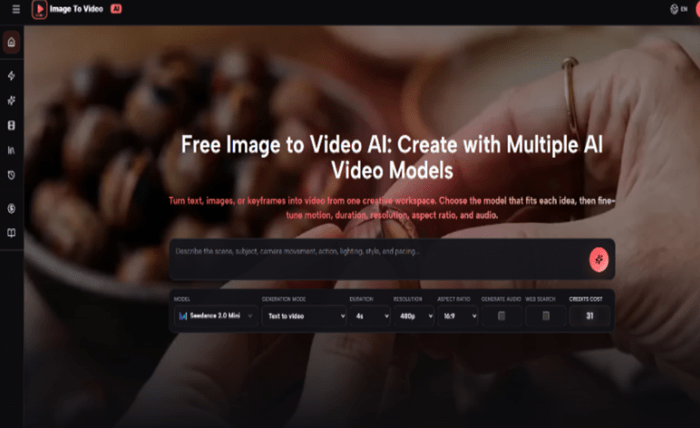
Lyric pages still lean on square cover art, then wonder why the same square dies in Reels. The missing piece is not a louder caption. It is a short opener that keeps the artwork readable while the first line of the song arrives on screen. A Free Image to video AI lane helps only when audio stays off until caption timing is locked.
Music desks do not need another cinematic lecture. They need a repeatable intake: master cover in, one camera move, vertical crop checked at phone width, generated soundtrack left off so the official track can carry the post. On the newsroom side of a lyrics site, designers usually lose the afternoon when a “pretty” preview melts the title type. Image To Video AI fits the job when First frame to video is treated as sleeve animation, not as a mini music-video shoot.
Why Static Covers Lose the First Two Seconds
On a lyrics or entertainment feed, readers arrive mid-scroll. A still cover looks like every other still cover. The eye needs a controlled change inside the opening two seconds — a slow push-in, a gentle light shift, a background that breathes — without rewriting the logo or crop that fans already know.
If the artwork stretches or the title type warps, the clip could not publish above a lyric block. Editors treat that as a hard reject, not a style preference. Motion has to serve recognition, not spectacle. The cost of ignoring that rule shows up as a wasted afternoon: three previews that pass a big monitor, then fail a phone-width identity check against the master sleeve.
Prep the Cover File Before Any Generate Click
Start from the master cover, not a compressed social crop. Keep logo, artist name, and color blocking intact. Decide the destination first: vertical lyric teaser, square post with a short loop, or a wider web embed. That choice locks aspect ratio before you write a single motion sentence.
Write the prompt as constraints plus one move. Name what must not change — sleeve shape, type placement, palette — then add one camera instruction such as a slow push-in or a soft parallax. Leave Generate audio off for lyric posts; the published track and on-screen lines carry sound. Turning audio on early creates a second soundtrack you will delete later, and that delete cycle is where credits quietly disappear.
| Checkpoint | Pass signal | Fail signal |
| Identity | Logo and title still read at phone width | Type melts or sleeve shape drifts |
| Motion | One clear move in the first two seconds | Multiple competing moves muddy the cover |
| Audio | Generate audio left off for lyric stacks | Platform mute fights a generated bed |
Use the table as an intake gate. If any row fails, regenerate with a narrower prompt instead of shipping the pretty preview. Pretty is not the metric; readable sleeve plus timed caption is. A warped title next to the original JPG in the shared folder never cleared editorial — that single discard should happen before the artist ever sees the file.
Step Through First-Frame Generation Without Redesigning the Sleeve
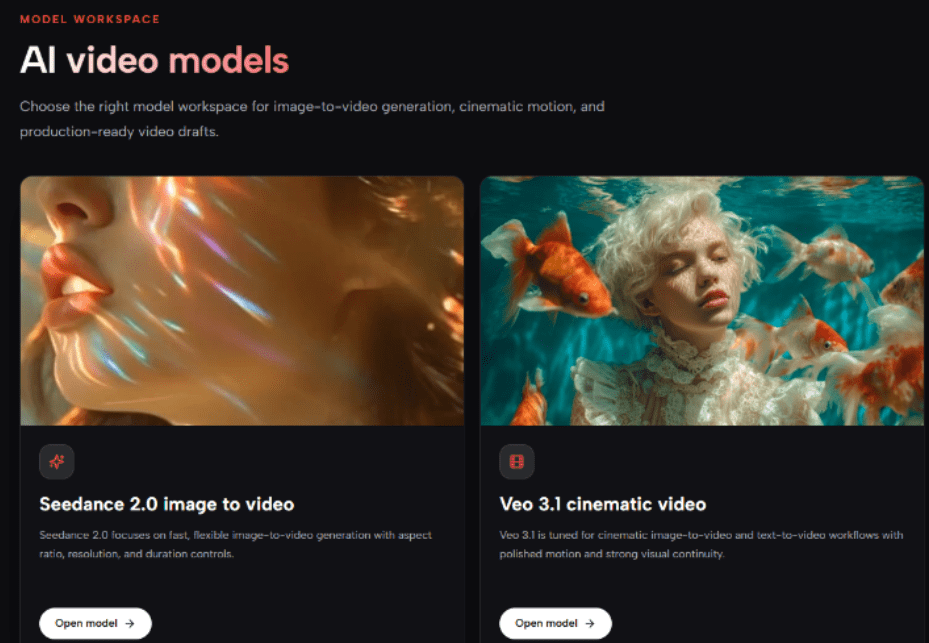
Open the workspace, choose First frame to video, and upload the cover as the opening frame. Seedance 2.0 fits this desk when you need selectable duration and aspect ratio for repeatable cover tests. Set 9:16 when the clip will sit above a vertical lyric card, and keep duration in the five-to-eight-second band so the hook lands before the caption block. Image To Video AI shows a live credit estimate on the panel — read it before you click Generate Video.
- Upload the master cover and confirm First frame to video is selected, not a freeform text scene.
- Write one paragraph: unchanged sleeve details, then a single camera move, then the post goal (lyric opener).
- Lock 9:16 and a short duration; leave Generate audio off; ignore Web search for cover work.
- Generate once, open Library, and scrub the first two seconds at phone width before any second attempt.
Lock Ratio and Length Before Fancy Words
Ratio and length decide whether the cover still reads after platform crop. Adjectives about energy do not. Confirm the live credit estimate, generate once, then scrub. If the logo is already soft around second one, stop — more adjectives will not restore type that the model has already bent. The first preview that looked impressive until phone scrub is the one you discard.
Second Anchor Belongs on the Motion Sentence
When the first pass holds identity, paste the same cover and tighten the motion line only. That is where teams should reach for Image to video AI again — not to invent a new scene, but to keep the sleeve honest while the camera finishes its one move. If the second pass still warps the title, cut motion intensity rather than adding dancers, particles, or epic language.
Common Mistakes That Kill Lyric Openers
Editors burn credits when they ask the model to make the cover dance, spin the sleeve, or invent a second performer who was never on the artwork. Those prompts redesign the brand asset. Another failure is enabling Generate audio just to hear something while the post already plans to duck under the official track. You then spend time muting, re-exporting, and explaining why a fake bed sat under the song — classic re-work that burns the same-day window for a release post.
Web search belongs to text-to-video prompts that need external context. It is the wrong switch for a cover-art first frame. Keep the job narrow: animate what fans already recognize. If a preview looks exciting in the desktop player but fails the phone-width identity check, the clip should be discarded before it enters the shared folder — that discard is cheaper than a public comment about a melted logo.
Ship Only Clips That Survive Phone Scrub
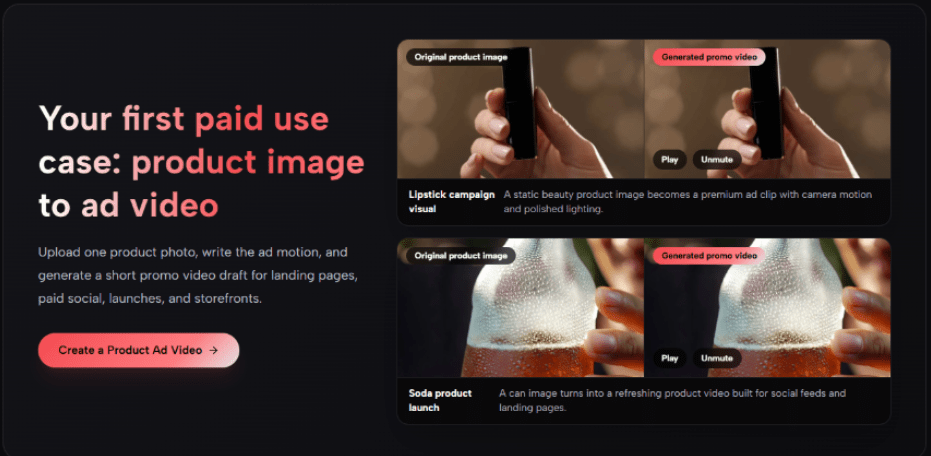
After Library saves the result, review at phone width with captions mocked on top. If the first line of the lyric covers the logo, reframe or shorten the move. If the sleeve still matches the master file under that crop, export and place the clip above the lyric block. Image To Video AI is useful here as a cover-to-opener tool, not as a music video studio.
Keep audio off, keep one camera path, and treat identity as the pass rule. That is how a static sleeve earns another scroll instead of looking like every other square in the feed — and how a music desk stops trading whole afternoons for clips that could not defend a lyrics page. If the desk cannot state the pass rule in one sentence, do not open the generator yet.
For release-week stacks, build a tiny ritual: same cover path each time, same 9:16 preset, Generate audio always off, one motion sentence only. When the ritual holds, Image To Video AI stops feeling like a novelty tab and starts feeling like the last step before the lyric card goes live. The ritual also protects artist relations — fewer emergency resends, fewer arguments about whether the sleeve “still looks like the sleeve,” and a cleaner handoff from the lyrics CMS into the short-form queue.